
Introduction
Sales are the driving force behind every business. Whether you run a retail store, wholesale business, manufacturing company, or service organization, managing the sales process efficiently is essential for maintaining revenue and building long-term customer relationships.
As a business grows, sales activities become more complex. There are leads to follow up with, customers to manage, quotations to prepare, orders to process, invoices to generate, payments to track, and sales performance to monitor. Handling all these activities manually or through disconnected tools can quickly become difficult.
This is where Sales Management Software can make a significant difference.
Modern sales management software helps businesses organize their sales activities, maintain customer information, monitor transactions, and gain better visibility into sales performance. Instead of keeping customer details, sales records, invoices, and follow-ups in different places, businesses can manage important sales information through one connected system.
RealKeeper ERP Accounting Software takes an integrated approach by connecting sales with accounting, inventory, billing, purchases, CRM, and business reporting. This allows businesses to manage not only the sales process but also the financial and operational activities connected to every sale.
For growing businesses, the goal is not simply to sell more. It is to create a sales process that is organized, measurable, and connected with the rest of the business.
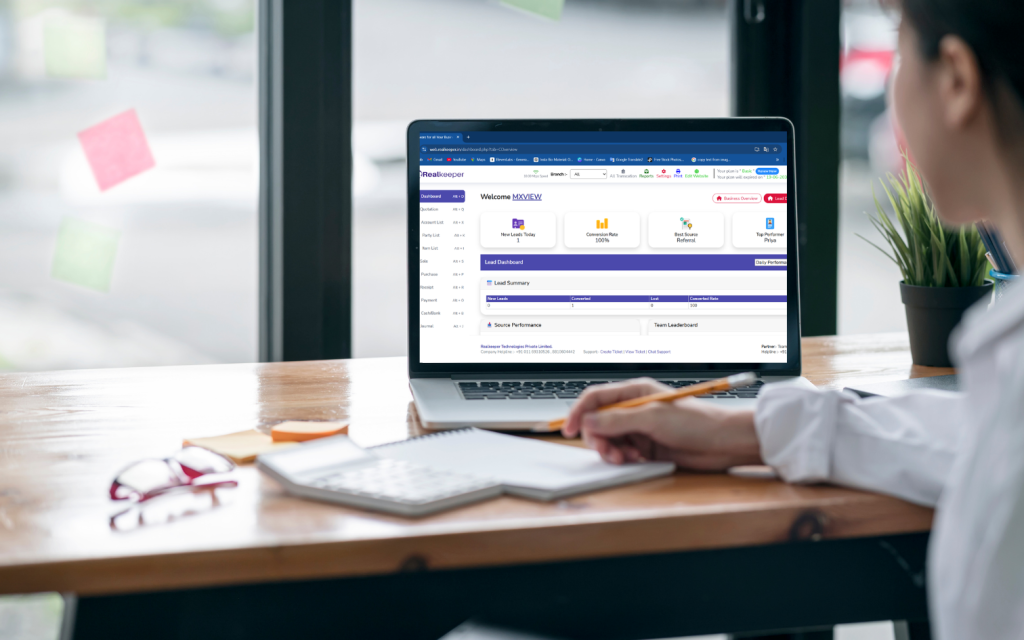
What Is Sales Management Software?
Sales Management Software is a digital solution designed to help businesses organize, monitor, and manage their sales operations.
It can help businesses manage activities such as:
- Customer information
- Leads and prospects
- Sales enquiries
- Quotations
- Sales orders
- Invoices
- Customer payments
- Sales history
- Follow-ups
- Sales reports
- Performance analysis
The real value comes when sales data is connected with other business functions.
For example, when a customer places an order, the business may need to check inventory, create an invoice, update the customer’s account, record the transaction, and monitor payment status.
An integrated ERP system can connect these activities instead of treating them as separate processes.
Why Businesses Need Better Sales Management
Many businesses start by managing sales through spreadsheets, notebooks, emails, or messaging applications. This may work when the customer base is small.
But as sales increase, problems can appear.
Sales teams may struggle to answer simple questions:
- Which leads need follow-up?
- Which customers purchased recently?
- Which invoices are still unpaid?
- Which products are selling the most?
- How much revenue was generated this month?
- Which salespeople are performing well?
- What is the current sales pipeline?
When information is scattered across multiple tools, finding accurate answers takes time.
Sales Management Software brings sales information together, giving businesses better control over the entire sales cycle.
How Sales Management Software Improves Business Operations
1. Centralize Customer and Sales Information
Customer information is one of the most valuable assets of a business.
Instead of maintaining customer details in separate spreadsheets, notebooks, emails, and messaging applications, businesses can maintain structured customer records in one system.
This can include:
- Customer contact details
- Purchase history
- Sales transactions
- Outstanding payments
- Communication records
- Previous orders
With RealKeeper ERP Accounting Software, businesses can connect customer management with sales, CRM, billing, and accounting activities.
This gives teams a clearer understanding of each customer’s relationship with the business.
2. Manage the Sales Process More Efficiently
A sales process usually involves several stages.
A customer may first make an enquiry, then receive a quotation, place an order, receive an invoice, and finally make a payment.
Without an organized system, it is easy for information to become scattered.
Sales Management Software helps businesses create a more structured workflow so sales teams can monitor customer interactions and transactions more efficiently.
This reduces unnecessary follow-up work and helps employees stay organized.
3. Improve Sales Order Management
Sales orders contain important information about what customers want to purchase.
Incorrect order information can result in wrong quantities, pricing issues, delivery problems, or customer dissatisfaction.
An integrated sales system helps businesses maintain accurate order records and connect them with inventory and billing.
With RealKeeper, sales activities can work alongside inventory and accounting, helping businesses maintain better control over transactions from order to payment.
4. Connect Sales with Inventory
Sales and inventory cannot be managed independently in a product-based business.
When a product is sold, available stock changes.
If inventory information isn’t updated properly, sales teams may promise products that are unavailable or fail to identify items that need replenishment.
An integrated ERP solution connects sales and inventory information, helping businesses maintain better visibility into stock availability and sales activity.
This is particularly useful for retailers, wholesalers, distributors, and manufacturers managing large product ranges.
5. Simplify Invoicing
Once a sale is confirmed, businesses need to generate accurate invoices and record the transaction properly.
Manually transferring information from sales records to invoices increases repetitive work and the possibility of errors.
With integrated Sales Management Software, sales information can flow into billing processes more efficiently.
RealKeeper also combines sales with GST billing and accounting, helping businesses manage invoices and financial records within the same ecosystem.
6. Track Customer Payments
A completed sale doesn’t always mean the business has received the money.
For businesses that sell on credit, tracking outstanding payments is essential.
Sales management combined with accounting can help businesses monitor:
- Invoices generated
- Payments received
- Outstanding balances
- Customer payment history
- Pending collections
This gives business owners better visibility into receivables and can support healthier cash flow management.
7. Improve Customer Follow-Ups
A missed follow-up can mean a missed sales opportunity.
When customer information and sales activity are properly recorded, sales teams can identify customers who require attention.
For example:
A customer enquires about a product today.
The sales team records the enquiry.
A follow-up is scheduled.
The customer receives a quotation.
The order is confirmed.
The transaction is converted into a sale.
A structured sales process makes it easier to maintain continuity throughout the customer journey.
8. Understand Sales Performance
Sales numbers become more useful when businesses can analyze them.
Sales Management Software can help businesses understand:
- Total sales
- Product-wise sales
- Customer-wise sales
- Sales trends
- Order volume
- Outstanding amounts
- Sales performance
These insights help business owners identify what is working and where improvements may be required.
Instead of relying only on monthly totals, businesses can analyze sales information and make more informed decisions.
9. Reduce Duplicate Data Entry
One of the biggest problems with disconnected software is entering the same information multiple times.
For example, a salesperson may enter customer information into one system, while the accounts team enters the same information again for invoicing.
An integrated ERP reduces this duplication.
With RealKeeper, sales, accounting, inventory, CRM, and billing can work together, helping businesses maintain more consistent information and reduce unnecessary manual work.
Sales Management Software vs Manual Sales Management
| Manual Sales Management | Sales Management Software |
|---|---|
| Customer information stored in different places | Centralized customer records |
| Manual follow-up tracking | Organized sales activities |
| Repeated data entry | Connected workflows |
| Difficult sales analysis | Sales reports and insights |
| Separate billing process | Sales and billing integration |
| Limited inventory visibility | Connected stock information |
| Harder payment tracking | Better outstanding visibility |
| Time-consuming reporting | Faster access to sales information |
Why Sales Management Should Be Connected with Accounting
Sales don’t exist separately from business finances.
Every sale can affect:
Revenue → Customer Balance → Inventory → GST → Accounting → Cash Flow
If sales data is disconnected from accounting, employees may need to manually transfer information between systems.
This creates additional work and increases the possibility of inconsistencies.
That’s why an ERP approach can be valuable.
RealKeeper ERP Accounting Software connects sales with accounting, GST billing, inventory, purchases, CRM, and financial reporting, giving businesses a more complete view of their operations.
Why Choose RealKeeper ERP Accounting Software?
RealKeeper is designed to help businesses manage multiple aspects of their daily operations through an integrated ERP platform.
Its business management capabilities include:
Sales Management
Organize sales transactions and customer-related activities.
Accounting
Maintain financial records and access important accounting reports.
GST Billing
Create invoices and manage GST-related billing requirements.
Inventory Management
Monitor stock and inventory movement.
Purchase Management
Manage purchasing activities and supplier transactions.
CRM
Maintain customer information and manage sales-related interactions.
Financial Reporting
Analyze business performance through structured reports.
Business Dashboard
Get a broader view of important business information.
This connected approach helps businesses avoid managing every department through a separate application.
How to Choose the Right Sales Management Software
Before choosing Sales Management Software, businesses should consider more than just the number of features.
1. Business Requirements
Identify your sales process and the areas where your team faces the most difficulty.
2. Integration
Sales should ideally connect with accounting, inventory, billing, and customer management.
3. Reporting
The software should provide useful sales information that supports decision-making.
4. Ease of Use
Your sales team should be able to use the system comfortably in everyday operations.
5. Scalability
Choose a system that can continue supporting your business as customers, products, and transactions increase.
The Future of Sales Management
Sales management is becoming increasingly data-driven.
Businesses are moving away from scattered spreadsheets and manual tracking toward integrated systems that provide real-time information and connected workflows.
Modern businesses need to understand not only how much they sold, but also:
- Who bought?
- What did they buy?
- What is still outstanding?
- Which products are performing well?
- How is inventory affecting sales?
- How are sales affecting profitability?
This is where integrated ERP solutions can provide a major advantage.
Conclusion
Sales management is about much more than generating invoices or recording sales. It involves managing customers, orders, inventory, payments, follow-ups, and business performance throughout the sales cycle.
Sales Management Software helps businesses bring these activities into a more organized system, reducing manual work and providing better visibility into sales operations.
When sales are connected with accounting, inventory, billing, CRM, and financial reporting, businesses can manage the complete journey from customer enquiry to payment more efficiently.
With RealKeeper ERP Accounting Software, businesses can connect sales with their wider operations through one integrated ERP platform.
For growing businesses, the real advantage isn’t simply having more sales data. It’s having connected data that helps the business understand customers, control operations, improve cash flow, and make smarter decisions.


