
Manufacturing businesses depend on a continuous supply of raw materials, components, spare parts and packaging materials. Even a small purchasing mistake can increase production costs, delay customer orders and affect overall profitability. When purchase records are maintained across spreadsheets, emails, phone calls and paper registers, keeping track of every order becomes difficult.
This is where purchase order management software for manufacturing companies becomes valuable. It helps businesses organize purchase orders, maintain supplier records, monitor incoming materials and connect purchasing activities with inventory and accounting.
For growing manufacturers, an organized purchasing process is not just about creating documents. It is about ensuring that the right materials are purchased at the right price and delivered at the right time.
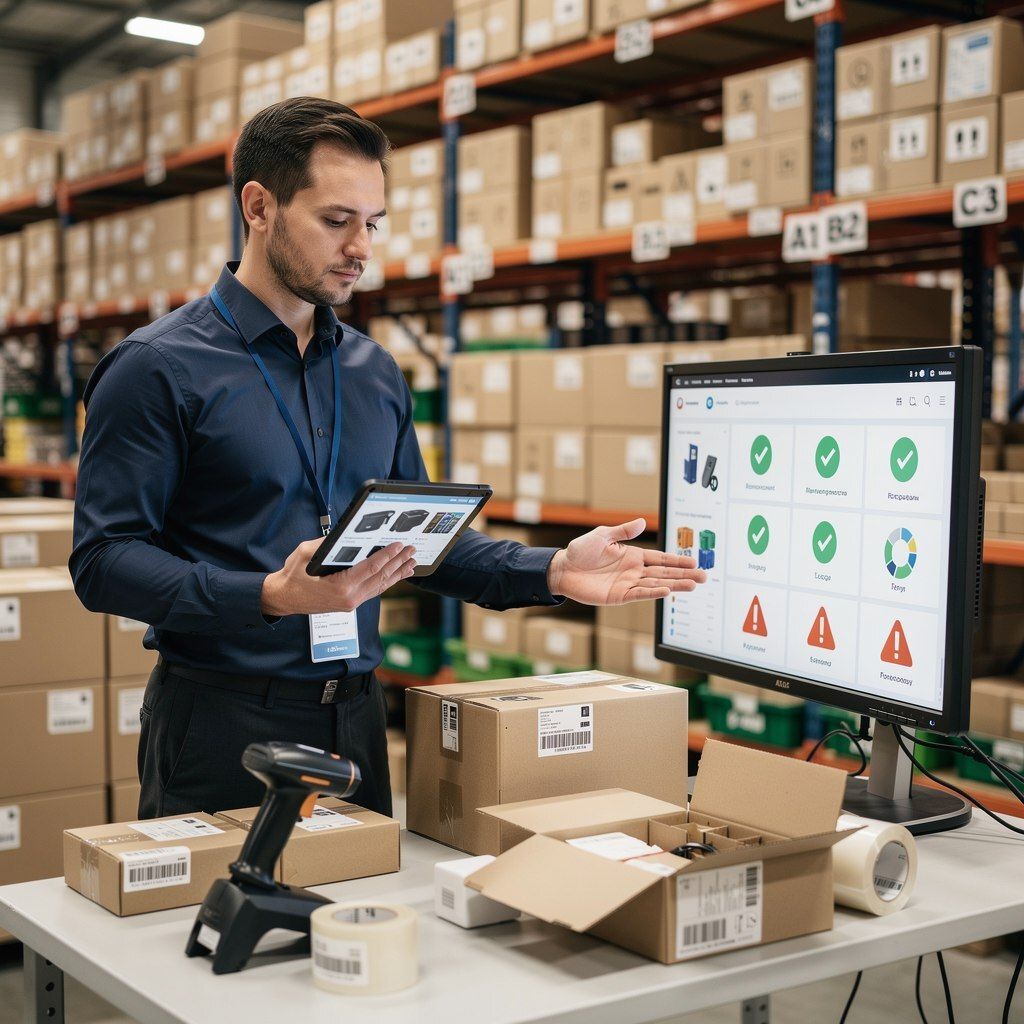
What Is Purchase Order Management Software?
Purchase order management software is a business solution that helps companies create, record, manage and track purchase orders throughout the purchasing process. A purchase order (PO) is a formal document sent to a supplier that specifies the products or materials being ordered, their quantities, agreed prices and other purchase terms.
For manufacturing businesses, purchase orders are especially important because production schedules often depend on the availability of specific raw materials and components.
A digital purchasing system can help businesses maintain organized purchase records, monitor order status, review supplier information and reduce repetitive administrative work. When connected with inventory and accounting, it also helps teams understand how purchasing decisions affect stock levels and business expenses.
Why Do Manufacturing Companies Need Purchase Order Management Software?
Manufacturers often deal with multiple suppliers, different material specifications, changing prices and recurring purchase requirements. Managing these activities manually becomes increasingly difficult as the business grows.
Here are some common purchasing challenges that manufacturers can address with a structured digital system.
1. Reduce Purchasing Errors
Manual purchase orders may contain incorrect quantities, outdated prices, duplicate entries or incomplete supplier information. These errors can result in unnecessary expenses and delays.
Purchase order management software helps standardize purchase records and keeps important order details organized in one place. Teams can refer to recorded quantities, product descriptions, prices and supplier information before processing an order.
This improves consistency and helps businesses reduce avoidable purchasing mistakes.
2. Maintain Better Control Over Raw Materials
A manufacturing unit needs a clear understanding of available raw materials before placing new purchase orders. Buying too much material can increase storage costs, while buying too little can interrupt production.
When purchasing is connected with inventory management, businesses can review stock information before making purchasing decisions. They can identify materials that require replenishment and coordinate purchases with production requirements.
This approach supports better inventory planning and reduces unnecessary purchases.
3. Improve Supplier Management
Manufacturers frequently purchase different materials from multiple suppliers. Keeping supplier contact details, purchase history, prices and transaction records in separate files can make comparisons difficult.
A centralized supplier management system helps businesses organize supplier information and access previous purchase records more easily.
With better visibility into purchasing history, businesses can review supplier prices, monitor recurring orders and make more informed procurement decisions.
4. Track Purchase Orders More Efficiently
After placing an order, the purchasing team needs to know whether the supplier has confirmed it, when the materials are expected and whether the complete quantity has arrived.
Without proper tracking, employees may need to make repeated phone calls or search through old messages to find updates.
Purchase order tracking software helps teams maintain order records and review available status information. This makes it easier to identify pending deliveries, follow up with suppliers and coordinate incoming materials with production schedules.
5. Improve Purchasing Cost Visibility
Purchasing expenses directly influence manufacturing costs. However, when purchase records are scattered across departments, understanding how much the business spends on different materials or suppliers becomes difficult.
An organized purchasing process makes it easier to review purchase values, compare recorded prices and maintain expense records. When integrated with accounting, purchase information can also support financial reporting and business planning.
Better cost visibility helps management identify unnecessary spending and evaluate purchasing decisions more effectively.
Key Features to Look for in Purchase Order Management Software for Manufacturing Companies
Not every purchasing solution is designed for manufacturing workflows. Before choosing software, businesses should evaluate whether it supports their actual purchasing, inventory and financial requirements.
1. Purchase Order Creation and Record Management
The software should make it easy to create purchase orders with essential information, including supplier details, item descriptions, quantities, rates, applicable taxes and order terms.
Standardized records help teams maintain consistency and retrieve previous orders whenever required.
2. Supplier Information Management
Supplier management features help businesses maintain contact details, transaction history and purchase-related records. These details are useful when placing repeat orders, reviewing previous rates or coordinating deliveries.
3. Inventory Integration
Inventory integration is particularly important for manufacturers. Purchasing decisions should consider available stock, incoming materials and production requirements.
A connected system helps reduce information gaps between the purchase department and the store or inventory team.
4. Purchase and Expense Tracking
Businesses should be able to review purchase transactions and access relevant records for cost monitoring. When purchase management works alongside accounting, it becomes easier to connect purchasing activities with business expenses and financial reports.
5. Manufacturing and Production Coordination
Manufacturers need purchasing decisions to support production schedules. Material requirements may depend on product specifications, bills of materials (BOM), planned production quantities and current inventory.
Software that connects purchasing with manufacturing records can help teams coordinate material procurement with production activities.
6. Accessible Business Reports
Purchase reports help management review supplier transactions, purchasing expenses and order history. These reports can support better planning, budgeting and supplier evaluation.
The exact reports and automation features available will depend on the selected software and its configuration.
How Purchase Order Management Software Improves the Manufacturing Workflow
A structured purchasing workflow connects material requirements with purchasing decisions and incoming stock.
Step 1: Identify material requirements. The production or inventory team identifies which raw materials, components or supplies are needed.
Step 2: Check available stock. The team reviews existing inventory and expected incoming materials before deciding the purchase quantity.
Step 3: Select the supplier. Available supplier information, quoted prices, product specifications and delivery commitments help the business select a suitable vendor.
Step 4: Create the purchase order. The purchasing team records the required items, quantities, prices and relevant terms in the purchase order.
Step 5: Monitor the order. The team follows up on pending orders and coordinates expected deliveries with the store and production departments.
Step 6: Record the received materials. Once the goods arrive, the receiving team checks the delivered quantities and condition against the order.
Step 7: Update inventory and financial records. Depending on the system’s integration and workflow, the received materials and supplier transactions can be reflected in the relevant inventory and accounting records.
Following these steps helps manufacturers establish a more organized purchasing process and improve coordination between departments.
Purchase Order Management Software vs. Manual Purchasing
Manual purchasing may be manageable for a small business with limited suppliers and occasional orders. However, it becomes harder to maintain consistency when purchase volumes increase.
With manual methods, employees may need to update multiple spreadsheets, search for old invoices, confirm delivery dates through calls and reconcile purchase records separately.
Digital purchase order management provides a more structured way to maintain order information, review supplier records and coordinate purchasing with other business functions.
The objective is not simply to replace paper documents. It is to reduce disconnected information, improve record accessibility and make purchasing activities easier to monitor.
Businesses should still establish clear approval procedures, verify incoming materials and review supplier invoices. Software supports these processes, but effective internal controls remain essential.
How to Choose the Right Purchase Management Software for Your Manufacturing Business
Selecting suitable software requires more than comparing feature lists. Manufacturers should consider their current operations and future requirements.
Start by identifying the main problems in your existing purchasing process. These may include delayed material deliveries, duplicate purchases, inaccurate stock records or difficulty tracking supplier transactions.
Next, evaluate whether the software supports the following requirements:
- Purchase order creation and tracking.
- Supplier and purchase history management.
- Inventory and stock coordination.
- Accounting and expense record integration.
- Manufacturing and BOM-related workflows, where required.
- Reports that help monitor purchasing activities.
- Suitable user access, training and customer support.
Also, consider how easily the system can fit into your team’s daily work. A solution that connects purchasing with existing business processes can be more useful than a standalone tool that creates additional data entry.
Before making a decision, request a product demonstration and test a realistic scenario, such as purchasing raw materials for an upcoming production order, recording the delivery and reviewing the related stock and financial entries.
Simplify Manufacturing Purchases with RealKeeper
Managing purchasing, inventory, production and accounting separately can make it difficult for manufacturers to maintain a clear picture of their operations.
RealKeeper offers cloud-based business management and manufacturing ERP capabilities that bring important business activities into a connected system. Its features include purchase and sales management, inventory and stock management, supplier management, accounting, manufacturing and BOM-related workflows.
By connecting these activities, businesses can organize purchasing records, coordinate material requirements with stock information and access relevant business records more efficiently.
For manufacturers looking to improve purchasing visibility while managing other business operations, RealKeeper provides a practical starting point for exploring an integrated business management solution.
Explore RealKeeper: https://realkeeper.in/
You can also request a demo to understand how its features fit your manufacturing workflow.
Conclusion
An organized purchasing process helps manufacturing companies control material requirements, maintain supplier records and coordinate incoming supplies with production schedules. As purchasing activities grow, relying entirely on spreadsheets and manual follow-ups can create avoidable delays and recordkeeping challenges.
Purchase order management software for manufacturing companies helps bring structure to purchase orders, supplier information and purchasing records. When connected with inventory, manufacturing and accounting, it can also improve visibility across important business activities.
Choosing the right solution starts with understanding your workflow, identifying operational gaps and evaluating software against your actual requirements. With a connected system such as RealKeeper, manufacturers can work toward more organized purchasing, better inventory coordination and improved business control.
Frequently Asked Questions
1. What is purchase order management software for manufacturing companies?
It is software that helps manufacturers create, organize and track purchase orders, maintain supplier records and coordinate purchasing with inventory and other business operations.
2. How does purchase order management software help manufacturers?
It helps organize purchase records, monitor order status, improve supplier information management and support coordination between purchasing, inventory and accounting teams.
3. Can purchase order management software help control inventory?
Yes. When purchasing is integrated with inventory management, businesses can review stock information and coordinate incoming materials with replenishment and production requirements.
4. What is the difference between purchase management software and purchase order software?
Purchase order software primarily focuses on creating and tracking purchase orders. Purchase management software may cover a wider process, including supplier records, purchasing activities, material receipts and related financial information. Actual features vary by product.
5. Is purchase order management software useful for small manufacturing businesses?
Yes. Small manufacturers can benefit when they need to manage multiple suppliers, recurring material purchases, growing order volumes or coordination between purchasing and inventory.
6. Can manufacturing ERP software manage purchasing and accounting together?
Some manufacturing ERP solutions connect purchasing with inventory, supplier transactions, accounting and production records. Businesses should confirm which integrations and workflows are included in the specific software they choose.


