
Introduction
Managing business finances is one of the most important responsibilities for every business owner. Whether you operate a small retail shop, wholesale company, manufacturing unit, startup, or service-based organization, maintaining accurate financial records is essential for long-term success.
Many businesses still depend on manual bookkeeping, Excel spreadsheets, and traditional accounting methods to manage their daily financial activities. Although these methods may work initially, they become difficult to manage as a business grows. Problems such as calculation errors, delayed invoices, missing financial records, GST compliance issues, and inventory mismatches can affect business performance.
This is where choosing the right Accounting Software for Your Business becomes important.
Modern accounting solutions help businesses automate financial operations, manage invoices, track expenses, monitor cash flow, maintain tax records, and generate financial reports. The right software can save time, reduce manual errors, and provide better control over business finances.
However, selecting the right solution is not always easy. Different businesses have different accounting requirements, budgets, and operational needs.
In this guide, we will explain how to choose the right Accounting Software for Your Business, which features to consider, common mistakes to avoid, and how the right accounting solution can support business growth.
1. Understand Your Business Accounting Requirements
Before purchasing any accounting solution, identify your business requirements. Every organization has different financial management needs.
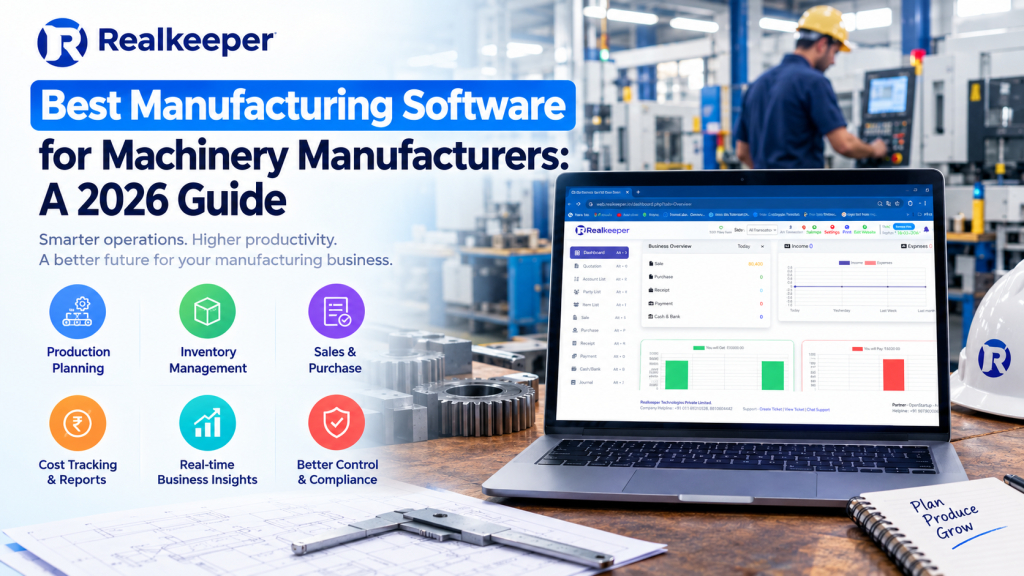
For example, a small retail shop may need billing, expense tracking, and inventory management. A manufacturing company may require raw material tracking, production costing, purchase management, and financial reporting.
Similarly, service-based businesses may prioritize invoicing, payment tracking, customer management, and expense reporting.
Start by identifying the following requirements:
- Sales and purchase invoice management
- Expense and income tracking
- GST calculations and tax reporting
- Inventory and stock management
- Customer and supplier records
- Bank reconciliation
- Financial statements
- Employee payroll management
- Business performance reports
Understanding these requirements will help you shortlist suitable Business Accounting Software instead of paying for unnecessary features.
The best approach is to select software that solves your current accounting problems while supporting your future business requirements.
2. Check GST Compliance and Tax Management Features
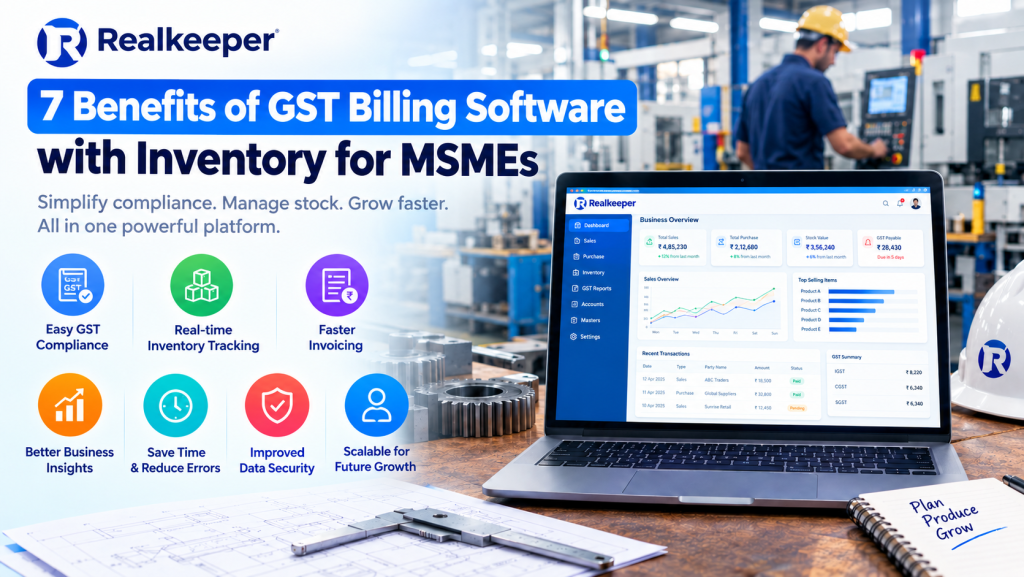
GST compliance is an important part of financial management for businesses operating in India. Incorrect tax calculations, inaccurate invoices, and poorly maintained records can create unnecessary accounting complications.
Therefore, always check whether the Accounting Software for Your Business supports the GST-related functions required by your organization.
Important GST features include:
- GST-compliant invoice generation
- CGST, SGST, and IGST calculations
- HSN and SAC code management
- GST purchase and sales reports
- Tax summaries
- Exportable accounting records
- Support for GST return preparation
A reliable GST Accounting Software solution can simplify tax-related calculations and help businesses maintain organized financial records.
Before selecting software, verify whether it supports your business’s applicable GST requirements and current reporting workflows. Also check whether GST return filing is directly supported or requires a separate process.
3. Look for Easy-to-Use Accounting Software
Not every business owner or employee has advanced accounting knowledge. Complicated software can increase training time and make daily operations difficult.
Choose an accounting solution with a clean dashboard, simple navigation, and easy-to-understand features.
The software should allow users to:
- Create invoices quickly
- Record daily transactions
- Manage customers and suppliers
- Track outstanding payments
- Check account balances
- Generate financial reports
An easy-to-use interface improves productivity and reduces the possibility of operational mistakes.
When evaluating Accounting Software for Your Business, request a live demonstration. Ask the software provider to show how everyday tasks are completed.
Do not select a product only because it has many features. Practical usability is equally important.
4. Evaluate Inventory Management Capabilities
Inventory management is essential for retail, wholesale, distribution, and manufacturing businesses.
Managing stock manually can result in incorrect stock counts, duplicate entries, missing products, and purchasing mistakes.
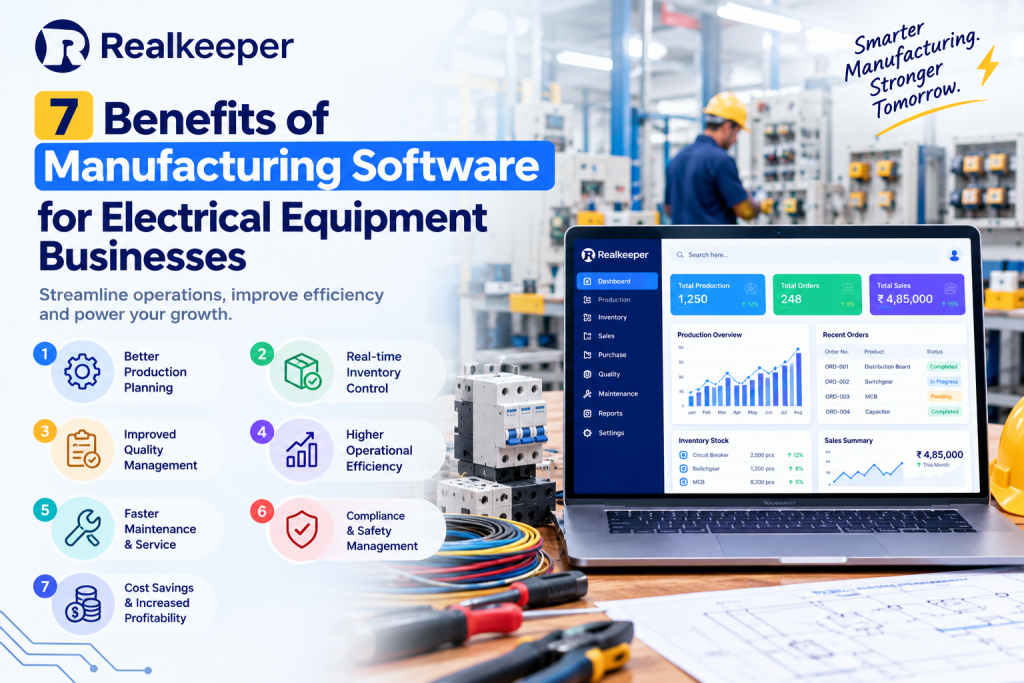
If your business handles physical products, consider Accounting and Inventory Management Software that connects financial records with stock operations.
Look for features such as:
- Real-time stock tracking
- Purchase and sales management
- Stock valuation
- Low-stock alerts
- Product and category management
- Warehouse management
- Stock transfer records
- Inventory reports
For example, when a business sells a product, the software should help maintain the corresponding sales and inventory records according to its configuration.
Manufacturing businesses may also require raw material management, production records, finished goods tracking, and cost analysis.
Selecting software with appropriate inventory capabilities can help improve stock visibility and reduce unnecessary operational expenses.
5. Compare Cloud-Based and Desktop Accounting Software
One important decision is choosing between cloud-based and desktop accounting solutions.
Both options have advantages, depending on your business requirements.
Cloud Accounting Software
Cloud Accounting Software allows authorized users to access accounting information through an internet connection.
Its common advantages include:
- Access to financial information from different locations
- Easier collaboration between authorized users
- Centralized data management
- Online backups, depending on the provider
- Reduced dependence on a single office computer
However, businesses should check internet dependency, subscription charges, data security, and service availability.
Desktop Accounting Software
Desktop accounting software is generally installed on a local computer or business network.
Its potential advantages include:
- Local access to accounting records
- Greater control over certain local configurations
- Reduced dependence on continuous internet access for offline workflows
However, businesses may need to manage backups, updates, device security, and remote access separately.
Before choosing Accounting Software for Your Business, compare both options based on your infrastructure, security requirements, and working environment.
6. Check Financial Reporting and Business Analytics
Accounting software should do more than record transactions. It should help business owners understand their financial position.
Financial reports provide useful information about business performance and help management make informed decisions.
Important reports include:
- Profit and Loss Statement
- Balance Sheet
- Cash Flow Statement
- Sales Reports
- Purchase Reports
- Expense Reports
- Outstanding Receivables
- Outstanding Payables
- Inventory Valuation Reports
For example, a Profit and Loss Statement helps you understand whether your business is generating profit or operating at a loss.
Cash flow reports help identify incoming and outgoing payments, while receivables reports show how much money customers owe your business.
The right Business Accounting Software should make these reports easy to access, understand, and export.
7. Consider Business Size and Scalability
A common mistake businesses make is selecting accounting software based only on their current requirements.
As your business grows, transaction volumes, employees, customers, suppliers, and financial activities may increase.
Your accounting solution should be capable of supporting this growth.
Consider these questions:
- Can the software handle increasing transactions?
- Can you add multiple users?
- Does it support multiple branches?
- Can it manage different business operations?
- Are advanced reporting features available?
- Can you upgrade your plan when required?
For example, a small trading business may initially require basic billing and expense tracking. Later, it may need inventory management, employee management, manufacturing records, and advanced financial reports.
Choosing scalable Accounting Software for Your Business can reduce the need to migrate to another system as your operations expand.
8. Evaluate Data Security and Backup Facilities
Financial information is sensitive. It includes business transactions, customer details, supplier records, payment information, and other confidential data.
Therefore, security should be a major consideration when selecting accounting software.
Check whether the provider offers:
- User authentication
- Role-based access permissions
- Data encryption
- Regular data backups
- Secure server infrastructure
- Activity logs
- Recovery and restoration options
If you choose a cloud-based solution, ask where your data is stored and how frequently backups are performed.
If you use desktop software, establish a reliable backup process using secure external storage or another appropriate backup system.
Never assume that accounting data is automatically protected simply because you are using paid software.
A dependable Accounting Software for Your Business should provide clear information about its security practices and data protection policies.
9. Compare Pricing and Overall Value
Price is another important factor when choosing accounting software.
However, selecting the cheapest software is not always the best financial decision.
Some accounting solutions offer low starting prices but charge extra for additional users, inventory features, advanced reports, support, or upgrades.
Before purchasing, understand the complete pricing structure.
Compare:
- Initial purchase or subscription cost
- Monthly or annual charges
- Number of included users
- Additional user charges
- Implementation expenses
- Training costs
- Customer support charges
- Upgrade and maintenance costs
Also consider the potential return on investment.
For example, if accounting software reduces manual work, prevents billing mistakes, improves payment tracking, and saves employee time, it may provide greater value than a cheaper solution with limited functionality.
Choose Accounting Software for Your Business based on functionality, reliability, support, and total ownership cost rather than price alone.
10. Check Customer Support and Training
Even user-friendly accounting software may require technical assistance during implementation or daily operations.
Reliable customer support can help businesses resolve software issues and continue their accounting activities without unnecessary interruptions.
Before selecting a provider, check:
- Availability of customer support
- Phone, email, or chat assistance
- Software installation guidance
- User training resources
- Documentation and tutorials
- Software update policies
- Response time for technical issues
If your employees are new to accounting software, training resources become especially important.
Ask whether the provider offers product demonstrations and onboarding assistance.
Good customer support can make a significant difference in the long-term experience of using Accounting Software for Your Business.
11. Common Mistakes to Avoid When Choosing Accounting Software
Selecting accounting software without proper evaluation can create problems later.
Here are some common mistakes businesses should avoid.
Choosing Software Only Based on Price
Cheap software may not provide essential features such as inventory tracking, GST reporting, or advanced financial statements.
Ignoring Future Business Requirements
A solution that works for a small business may not support its operations after expansion.
Overlooking Data Security
Financial information should always be protected through appropriate security and backup practices.
Not Requesting a Demo
Buying software without testing its interface and features can lead to poor purchasing decisions.
Ignoring Integration Requirements
Check whether the software works with the other systems your business uses, such as billing applications, payment tools, or inventory platforms.
Not Checking Customer Support
Limited technical assistance can make implementation and troubleshooting difficult.
Avoiding these mistakes will help you make a more informed decision.
12. Why RealKeeper Can Be Worth Considering
If you are looking for an accounting solution to manage business operations, RealKeeper is one option worth evaluating.
RealKeeper provides business management software designed to support accounting and related business activities.
When evaluating RealKeeper or any other accounting platform, consider whether its available modules match your operational requirements.
Depending on your selected product configuration, explore features related to:
- Accounting and financial record management
- Sales and purchase management
- Invoice and billing operations
- Inventory management
- Business transaction tracking
- Reporting and financial visibility
- Manufacturing-related workflows
- HR and employee management
Before purchasing, request a product demonstration to understand the available features, pricing, implementation process, and support options.
Visit https://realkeeper.in/ to learn more about RealKeeper and explore whether its software meets your business requirements.
The right software should simplify daily operations, improve financial visibility, and help your organization manage business activities more efficiently.
Conclusion
Choosing the right Accounting Software for Your Business is an important investment in your company’s financial management and long-term growth.
The ideal solution should match your business requirements, support applicable GST workflows, simplify invoicing, manage inventory where required, provide useful financial reports, and maintain appropriate data security.
Do not make your decision based only on pricing or brand popularity. Compare features, test the software through a demonstration, evaluate customer support, and consider your future business requirements.
Whether you operate a startup, retail store, wholesale business, service company, or manufacturing organization, investing in the right Business Accounting Software can help improve financial control and operational efficiency.
Take time to compare available solutions and choose software that supports your business today while preparing it for tomorrow.
Looking for accounting software for your business?
Explore RealKeeper at https://realkeeper.in/ and request a demo to understand how its business management solutions can support your accounting and operational requirements.
Frequently Asked Questions (FAQs)
1. What is the best accounting software for a small business?
The best accounting software for a small business depends on its requirements, budget, GST needs, billing operations, and inventory management requirements. Compare features and request a demo before purchasing.
2. Why does a business need accounting software?
Accounting software helps businesses record financial transactions, generate invoices, track expenses, manage payments, maintain financial reports, and organize accounting information.
3. What features should accounting software have?
Important features include invoicing, GST management, expense tracking, financial reporting, bank reconciliation, customer management, and inventory tracking where required.
4. Is cloud accounting software better than desktop accounting software?
Cloud accounting software offers remote access and centralized data management, while desktop software may be suitable for businesses that prefer local installations. The right option depends on business requirements and infrastructure.
5. Can accounting software manage GST in India?
Many accounting solutions support GST-related invoicing, tax calculations, and reporting. Businesses should verify the specific GST features and filing requirements supported by their selected software.
6. How much does business accounting software cost?
The cost depends on the software provider, features, number of users, subscription model, and implementation requirements. Always compare the total cost before purchasing.
7. Can accounting software manage inventory?
Yes. Many business accounting solutions include inventory features such as stock tracking, purchase management, stock valuation, and inventory reporting. Advanced manufacturing requirements may need additional modules.
8. How do I choose accounting software for a manufacturing business?
Manufacturing businesses should evaluate accounting, inventory, raw material management, production tracking, costing, purchase management, and finished goods reporting capabilities before selecting a solution.