Introduction
Growing a business is not just about increasing sales, attracting new customers, or expanding operations. As a business grows, managing financial records, invoices, expenses, GST calculations, inventory, payments, and employee-related expenses becomes increasingly complicated. Business owners who initially manage everything through notebooks, spreadsheets, or manual accounting methods often struggle to maintain accuracy and efficiency.
This is where Accounting Software for Growing Businesses becomes essential. It helps businesses simplify financial management, reduce repetitive manual work, improve record accuracy, and make better business decisions. Choosing the right Accounting Software for Growing Businesses allows companies to manage their increasing financial activities through a more organized and efficient system.
Today, companies are adopting automated accounting solutions to streamline their accounting operations and improve productivity. Instead of spending hours maintaining financial records manually, businesses can use modern accounting software to organize transactions, generate reports, manage invoices, and monitor financial performance.
Solutions like RealKeeper help businesses manage accounting and related business activities through software-based workflows. Whether you operate a small business, retail shop, wholesale company, or manufacturing organization, selecting suitable accounting software can make daily operations easier and more organized.
In this article, we will explore why growing companies need Accounting Software for Growing Businesses, its major benefits, essential features, and how RealKeeper can support better business management.
1. Why Growing Businesses Need Accounting Software
When a business is small, managing accounts manually may seem manageable. A business owner might handle a limited number of invoices, customer payments, supplier transactions, and expenses using spreadsheets.
However, as the business expands, financial activities increase significantly.
For example, a growing company may need to manage:
- Hundreds of sales and purchase transactions.
- Multiple customer and supplier accounts.
- GST invoices and tax-related records.
- Daily business expenses.
- Outstanding payments and receivables.
- Inventory purchases and stock records.
- Employee salaries and operational expenses.
- Monthly and yearly financial reports.
Managing all these activities manually increases the possibility of errors and missing records.
Accounting Software for Growing Businesses helps organize financial information in a structured system. It reduces repetitive data entry and makes it easier to maintain accounting records as transaction volumes increase.
With business accounting software like RealKeeper, companies can work towards more organized financial management instead of depending entirely on manual processes.
2. How Accounting Software for Growing Businesses Saves Time
Time is one of the most valuable resources for any growing business. Business owners and accounting teams should focus on financial planning, customer relationships, operations, and business development rather than spending unnecessary hours performing repetitive accounting tasks.
Manual accounting involves several time-consuming activities, including:
- Recording daily transactions.
- Preparing invoices.
- Calculating totals and taxes.
- Updating payment records.
- Maintaining expense reports.
- Checking outstanding balances.
- Preparing financial summaries.
Accounting Software for Growing Businesses can simplify many of these activities through predefined workflows and integrated software features.
For example, instead of repeatedly preparing invoices manually, businesses can use billing software to generate professional invoices using stored customer and product information.
Similarly, accounting software can help organize transaction records and generate financial reports using available business data.
RealKeeper provides a software-based approach to managing accounting and related business operations, helping businesses reduce dependence on scattered spreadsheets and manual records.
3. Improve Financial Accuracy with Automated Accounting Software
Even a small accounting mistake can create problems for a business.
Incorrect invoice amounts, duplicate entries, missed transactions, and calculation errors can affect financial reports and create difficulties during account reconciliation.
Manual accounting increases the chances of these mistakes, especially when transaction volumes become high.
Using Automated Accounting Software helps reduce repetitive calculation and data-entry errors through software-assisted processes.
Some important advantages include:
- More consistent financial record management.
- Reduced repetitive manual calculations.
- Organized sales and purchase records.
- Easier identification of missing information.
- Better visibility into transaction history.
- More structured financial reporting.
However, automation does not eliminate every accounting error. Incorrect data entry, improper configuration, and incomplete records can still create problems.
That is why businesses should use reliable accounting software and regularly review their financial information.
With an organized automated accounting system, companies can improve the consistency and reliability of their accounting processes.
4. Simplify GST Billing with Accounting Software for Growing Businesses
GST compliance is an important responsibility for many Indian businesses. Companies need to maintain proper invoices, transaction records, tax details, and supporting financial information.
Managing GST-related activities manually can become difficult when a business handles a large number of transactions.
GST Accounting Software helps simplify billing and organize tax-related information.
Important GST billing capabilities may include:
- GST invoice generation.
- Taxable amount calculations.
- CGST, SGST, and IGST calculations.
- Customer and supplier transaction records.
- Sales and purchase reporting.
- Tax-related financial summaries.
- Organized invoice storage.
Businesses should verify that their chosen accounting software supports the GST workflows and reporting requirements applicable to their operations.
Accounting Software for Growing Businesses can make GST-related financial information easier to organize and review. RealKeeper is an option businesses can evaluate when looking for accounting and billing software to manage their financial operations.
5. Manage Business Expenses More Efficiently
Expense management is essential for maintaining profitability.
A business may generate high revenue but still experience financial difficulties because of uncontrolled operational expenses, unnecessary purchases, or poor payment management.
Without organized financial records, identifying where money is being spent can become challenging.
Automated Accounting Software helps businesses maintain structured expense records and review their financial activities.
For example, businesses can organize expenses into categories such as:
- Employee salaries.
- Office rent.
- Electricity and utilities.
- Transportation costs.
- Raw material purchases.
- Marketing expenses.
- Maintenance costs.
- Administrative expenses.
By reviewing these records, business owners can identify unnecessary spending and understand their operational costs more clearly.
Financial Management Software also helps management teams review available financial reports and make informed decisions about budgeting and future investments.
Accounting Software for Growing Businesses makes it easier to organize financial information as business expenses and transactions increase.
6. Improve Cash Flow Management with Business Accounting Software
Cash flow is one of the most important factors affecting business stability.
A company may have strong sales but still face financial difficulties if customers delay payments or suppliers require immediate payments.
Without proper payment tracking, businesses may struggle to understand how much money is expected, how much is outstanding, and what payments need attention.
Accounting Software for Growing Businesses can help organize:
- Customer outstanding payments.
- Supplier payment records.
- Sales transactions.
- Purchase transactions.
- Payment histories.
- Receivable and payable information.
- Financial summaries.
Having organized payment information helps business owners understand their financial position and plan upcoming expenses.
Automated Accounting Software can also reduce the effort involved in reviewing payment records and identifying overdue transactions, depending on the available features.
Better cash flow visibility allows businesses to plan purchases, manage working capital, and avoid unnecessary financial pressure.
7. Connect Accounting and Inventory Management
For retail, wholesale, distribution, and manufacturing businesses, accounting and inventory management are closely connected.
Every purchase affects stock levels and financial records. Similarly, every sale affects revenue and inventory.
When businesses maintain separate systems for accounting and inventory, they may face difficulties keeping information consistent.
Accounting and Inventory Management Software helps businesses organize these important activities within a more connected workflow.
Useful inventory management capabilities include:
- Stock tracking.
- Purchase management.
- Sales management.
- Product information management.
- Stock movement records.
- Inventory reports.
- Warehouse management, where supported.
For example, a wholesale company handling hundreds of products needs to know which products are available, which items need replenishment, and how much money is tied up in inventory.
An integrated business software solution can help management teams access relevant information without repeatedly checking different spreadsheets.
Accounting Software for Growing Businesses that supports suitable inventory workflows can help companies maintain better visibility over financial and stock-related activities.
8. Make Better Decisions with Financial Management Software
Business growth requires accurate information and proper planning.
Decisions about purchasing, hiring, pricing, expansion, and investment should not depend entirely on assumptions.
Business owners need financial information to understand how their company is performing.
An Automated Accounting System can help generate and organize reports that support business decision-making.
Some useful financial reports include:
- Profit and loss statements.
- Balance sheets.
- Cash flow reports.
- Sales reports.
- Purchase reports.
- Expense summaries.
- Outstanding payment reports.
- Tax-related summaries.
These reports help business owners understand revenue, expenses, profitability, and financial obligations.
For example, if a company notices that its operational expenses have increased over several months, management can investigate the reason and make necessary adjustments.
Using Business Accounting Software makes financial information easier to organize and review, supporting more informed business decisions.
9. Choose Scalable Accounting Software for Growing Businesses
The accounting requirements of a business change as it grows.
A company that initially manages a few transactions may eventually handle multiple branches, employees, suppliers, warehouses, and customer accounts.
A basic spreadsheet system may no longer be sufficient for these requirements.
Accounting Software for Growing Businesses provides a more structured approach to handling increasing transaction volumes and business information.
When selecting accounting software, growing companies should consider:
- Ability to handle increasing transactions.
- Multi-user access and permissions.
- Financial reporting capabilities.
- Inventory management integration.
- GST billing support.
- Data backup and security.
- Ease of use.
- Technical support.
- Future upgrade options.
Cloud-Based Accounting Software may also provide access to business information across different locations, depending on its access controls and internet requirements.
Choosing scalable accounting software early can help businesses avoid unnecessary operational complications when they expand.
10. Improve Productivity Through Centralized Business Management
One common challenge for growing businesses is using too many disconnected tools.
A company might use one application for billing, another for inventory, spreadsheets for expenses, and separate software for employee records.
This can create information gaps and increase administrative work.
Business Management Software helps organize different business activities through a more structured system.
Depending on the software and its available integrations, businesses may be able to manage:
- Accounting and financial records.
- Sales and purchase transactions.
- Billing and invoicing.
- Inventory management.
- Customer and supplier information.
- HR and employee management.
- Business reporting.
RealKeeper is worth evaluating for businesses that want to manage accounting and related business processes through a software solution.
Accounting Software for Growing Businesses can support better coordination between departments and reduce the need to maintain the same information across multiple disconnected systems.
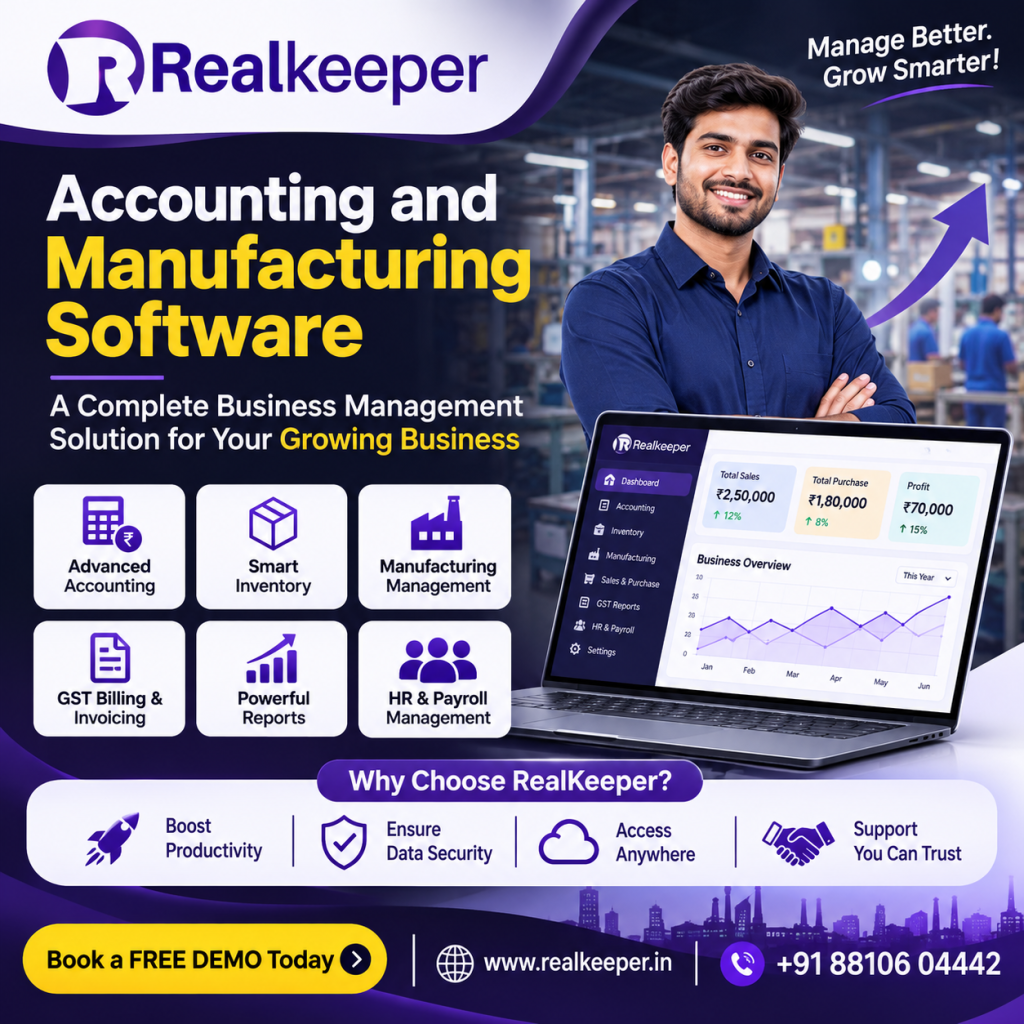
11. Why Choose RealKeeper Accounting Software?
Choosing the right software is an important decision because accounting systems become part of everyday business operations.
Businesses should look for a solution that matches their industry, transaction volume, reporting requirements, and future growth plans.
RealKeeper is a business software solution that businesses can explore for managing accounting and related operational activities.
Here are some reasons to evaluate RealKeeper:
1. Organized Accounting Management
Manage business accounting activities through a structured software-based system instead of relying entirely on manual records.
2. Billing and Invoicing
Simplify invoice-related workflows and organize sales and purchase information.
3. Inventory Management
Businesses with stock-related operations can explore inventory management capabilities to improve stock visibility and record management.
4. Manufacturing Management
Manufacturing businesses can evaluate relevant production and material management capabilities according to their operational requirements.
5. HR and Employee Management
Businesses can explore available HR-related capabilities for organizing employee information and administrative activities.
6. Better Business Visibility
Organized business records and reporting capabilities can help management review important operational and financial information.
Before selecting any software, businesses should request a demonstration, verify the required features, understand pricing, and check whether the system meets their specific accounting and compliance needs.
If you are comparing Accounting Software for Growing Businesses, consider evaluating RealKeeper alongside other solutions based on your actual business requirements.
12. Manual Accounting vs Automated Accounting Software
Understanding the difference between manual accounting and automated accounting software can help businesses choose the right approach.
| Manual Accounting | Automated Accounting Software |
|---|---|
| Requires more repetitive data entry | Reduces repetitive manual work |
| Calculations are often performed manually | Supports software-assisted calculations |
| Reports may take longer to prepare | Reports can be generated from recorded data |
| Records may be spread across spreadsheets | Information can be organized centrally |
| Difficult to manage increasing transactions | Better suited to structured, growing workflows |
| More effort required for record checking | Easier access to transaction history |
| Greater dependency on individual record keepers | Supports more standardized processes |
Automated accounting software is not a replacement for proper financial supervision. Businesses still need qualified accounting professionals to review records, interpret reports, and ensure compliance.
However, automation can make their work more efficient.
13. How to Choose the Best Accounting Software for Growing Businesses
Not every accounting software solution is suitable for every business.
Before purchasing Accounting Software for Growing Businesses, business owners should evaluate their requirements carefully.
Consider these important factors:
Understand Your Business Requirements
Identify whether you need basic accounting, GST billing, inventory management, manufacturing management, payroll, or an integrated business solution.
Check Essential Features
Make sure the software provides the features your business actually needs. Avoid paying for unnecessary functionality.
Evaluate Ease of Use
The accounting software should be understandable for your accounting team and other authorized users.
Check Data Security
Review backup policies, access permissions, security practices, and data recovery options.
Evaluate Reporting Capabilities
Choose software that provides the financial and operational reports needed to monitor your business.
Check Customer Support
Reliable technical support and proper onboarding can make software implementation easier.
Request a Live Demo
A live demonstration helps you understand the actual workflow before making a purchase decision.
RealKeeper is one option businesses can explore when comparing accounting and business management software solutions.
Conclusion: Grow Your Business with RealKeeper
Accounting Software for Growing Businesses plays an important role in modern business management. As companies expand, managing increasing transactions, GST requirements, customer payments, supplier records, inventory, and operational expenses through manual methods becomes more difficult.
The right Accounting Software for Growing Businesses helps simplify these processes, reduce repetitive work, organize financial information, and improve visibility into business performance.
From accounting and GST billing to inventory tracking and financial reporting, suitable software can support better business management and long-term growth.
RealKeeper provides businesses with an option to explore accounting and related business management software capabilities under one solution. Businesses looking to improve their accounting processes should evaluate its features and determine whether they match their operational requirements.
If your business is still depending heavily on manual accounting, spreadsheets, and disconnected systems, this may be the right time to explore Accounting Software for Growing Businesses.
Ready to simplify your business accounting?
Explore RealKeeper and discover how software-based business management can help organize your daily operations.
Website: https://realkeeper.in/
Contact: +91 88106 04442
Book your FREE DEMO today and explore RealKeeper for your business.
Frequently Asked Questions (FAQs)
1. What is Accounting Software for Growing Businesses?
Accounting Software for Growing Businesses is a digital solution that helps companies manage financial activities such as recording transactions, generating invoices, organizing expenses, tracking payments, and preparing financial reports. It helps businesses maintain structured accounting records as their operations expand.
2. Why do growing businesses need accounting software?
Growing businesses handle increasing numbers of transactions, invoices, expenses, and financial records. Accounting Software for Growing Businesses helps organize these activities, reduce repetitive manual work, and improve financial visibility.
3. Which accounting software is best for a growing business?
The best accounting software depends on business size, industry, accounting requirements, GST needs, inventory requirements, reporting capabilities, and budget. Businesses should compare different solutions and request a live demonstration before making a decision.
4. Is accounting software suitable for small businesses?
Yes. Small businesses can use accounting software to manage invoices, expenses, payments, financial records, and GST-related workflows. It can also help them establish organized accounting processes as they grow.
5. Can accounting software help with GST management?
GST accounting software can support GST invoice generation, tax calculations, transaction records, and relevant financial reports. Businesses should verify whether the software supports their specific GST compliance requirements.
6. Does accounting software support inventory management?
Some accounting software solutions offer inventory management features or integrations. These capabilities can help businesses manage stock records, purchases, sales, and inventory-related information.
7. How does RealKeeper help growing businesses?
RealKeeper is a business software solution that businesses can explore for accounting and related operational management. Businesses should review its available modules and request a demonstration to identify the features suitable for their requirements.
8. How can I choose the best accounting software for my business?
Compare software based on accounting features, GST support, inventory capabilities, reporting, usability, security, scalability, pricing, and customer support. Request a live demo before making a final decision.