
Introduction
Let’s be real—managing business finances is one of the most boring yet critical parts of running a business.
You can be great at sales, marketing, or operations, but if your accounting is messy, your entire business becomes unstable.
Most small business owners start with spreadsheets or manual entries. It feels manageable at first. But as transactions increase, things quickly spiral out of control.
You miss entries. Calculations go wrong. Tax deadlines become stressful.
This is exactly where automated accounting software changes everything.
In 2026, businesses that still rely on manual accounting are not just inefficient—they’re taking unnecessary risks.
If you want accuracy, speed, and full financial control, automated accounting software is not optional anymore.
What is Automated Accounting Software?
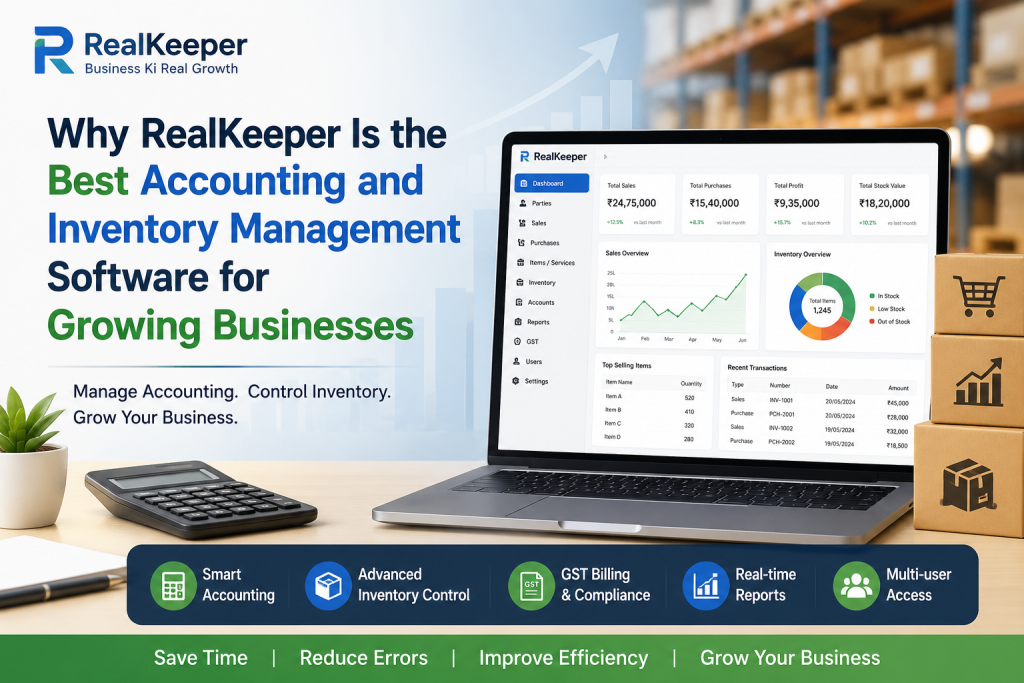
Automated accounting software is a digital system that handles financial tasks like bookkeeping, invoicing, expense tracking, tax calculations, and reporting—automatically.
Instead of manually entering every detail, the software processes data in real time.
It connects with your bank, tracks transactions, categorizes expenses, and even generates reports without constant supervision.
In simple terms, automated accounting software reduces manual work and improves accuracy.
Why Automated Accounting Software is Essential in 2026
Let’s cut the fluff.
Manual accounting creates problems:
- Human errors in calculations
- Missing financial records
- Delayed reports
- Stress during tax filing
- Poor financial decisions
Now compare that with automated accounting software:
- Real-time financial tracking
- Accurate calculations
- Instant reports
- Automated tax compliance
- Better decision-making
The gap is huge.
Businesses using automated accounting software operate faster, smarter, and with fewer mistakes.
Key Features of Automated Accounting Software
Not all tools are equal, but a solid automated accounting software should include these features:
1. Automatic Data Entry
No need to manually enter every transaction. The system pulls data from bank feeds and records it instantly.
2. Smart Expense Tracking
Automatically categorizes expenses so you know exactly where your money is going.
3. Invoice Automation
Create and send invoices automatically. Set recurring invoices for regular clients.
4. Tax Calculation & GST Management
Handles GST and other taxes automatically, reducing errors and saving time.
5. Financial Reports
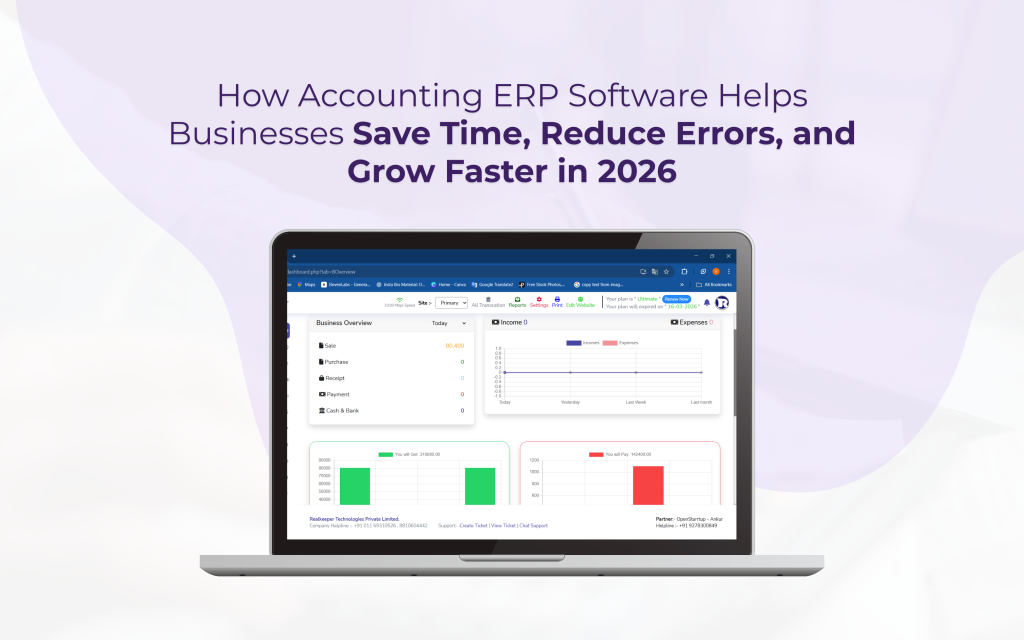
Generate profit & loss statements, balance sheets, and cash flow reports in seconds.
6. Cloud Access
Access your financial data anytime, anywhere—no need to sit in one place.
Benefits of Using Automated Accounting Software
If you think this is just about saving time, you’re missing the bigger picture.
1. Saves Hours of Work
What used to take hours now takes minutes.
2. Reduces Errors
Automation removes human mistakes in calculations and entries.
3. Improves Cash Flow Management
Track incoming and outgoing money clearly.
4. Helps in Better Decision Making
Real-time reports give you clarity on your business performance.
5. Ensures Compliance
Tax rules change frequently. Software keeps you updated and compliant.
Who Should Use Automated Accounting Software?
This is not just for big corporations.
Automated accounting software is perfect for:
- Small business owners
- Freelancers
- Startups
- E-commerce sellers
- Agencies
- Service providers
If money is flowing in and out of your business, you need automated accounting software.
How to Choose the Right Automated Accounting Software
Most people make bad choices here.
They pick random tools or go for the cheapest option—and regret it later.
Here’s how to choose smartly:
1. Ease of Use
If it’s complicated, you won’t stick with it.
2. Integration
Make sure it connects with your bank and other tools.
3. Features
Check if it includes invoicing, expense tracking, and reporting.
4. Pricing
Don’t go too cheap. Cheap tools often lack essential features.
5. Support
Good customer support can save you from major headaches.
Popular Automated Accounting Software Tools
Some of the most widely used tools include:
- QuickBooks
- Zoho Books
- Tally Prime
- FreshBooks
Each tool has its own strengths. Your choice should depend on your business needs and budget.
Common Mistakes to Avoid
Let’s be blunt—most people misuse software.
1. Still Doing Manual Work
If you’re manually entering everything, you’re not using automation properly.
2. Ignoring Reports
Data is useless if you don’t use it for decisions.
3. Choosing Based Only on Price
Cheap software can cost you more in the long run.
4. Not Training Yourself or Team
Even the best tool fails if you don’t know how to use it.
Future of Automated Accounting Software
The future is not manual. It’s intelligent.
In the coming years, automated accounting software will include:
- AI-based financial predictions
- Voice-enabled accounting
- Real-time tax updates
- Deeper banking integrations
- Fully automated bookkeeping
This means less effort and more control.
Conclusion
If you’re serious about building a stable and scalable business, stop treating accounting as an afterthought.
It’s not just about numbers—it’s about control, clarity, and growth.
Automated accounting software is not an expense—it’s a smart investment.
The sooner you switch, the faster you eliminate errors, save time, and make better decisions.
Waiting will only make things harder.
Start using automated accounting software today and take full control of your business finances.


