
A customer buys a ₹40,000 sofa set, pays ₹10,000 now, and promises the rest in three monthly instalments. By the third month, nobody remembers who paid the second one. EMI sales management software keeps every instalment, due date, and reminder in one place, so selling on credit doesn’t turn into chasing money.
What Is EMI Sales Management Software?
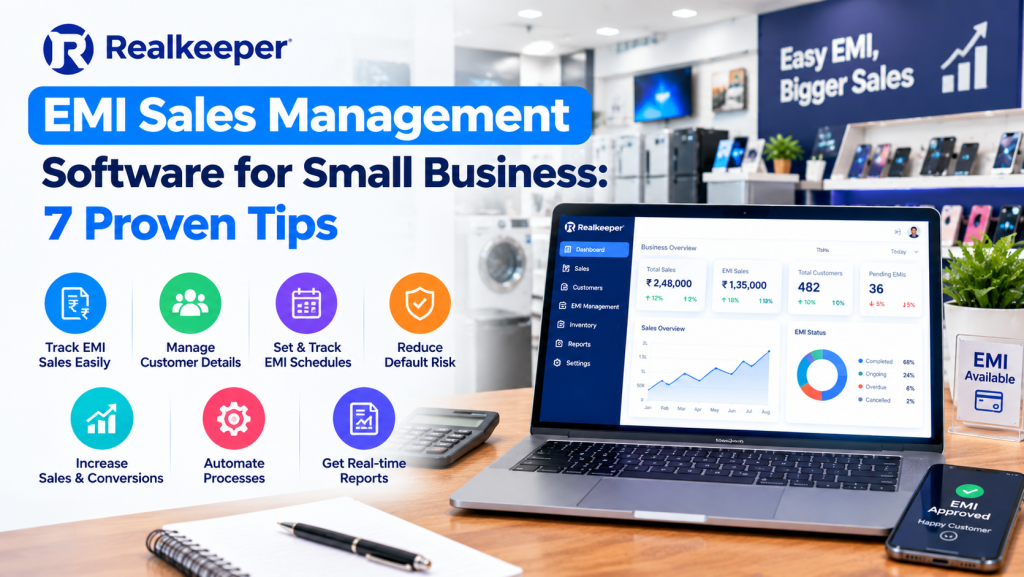
EMI sales management software records an instalment plan for each credit sale, tracks what’s paid and what’s due, and ties every payment back to the invoice. It replaces the notebook that only one person can read.
A quick note on RealKeeper before we go further. RealKeeper Technologies, based in Delhi, builds a cloud ERP and CRM for GST billing and manufacturing. It doesn’t advertise a dedicated EMI module, so this guide covers what good EMI tracking needs and how far RealKeeper’s billing tools can take you.
Why Do Small Businesses Struggle With EMI Sales?
Selling on instalments lifts sales, but the cash arrives late and in pieces. Each piece is one more thing to remember.
The trouble starts at a predictable point: 30 customers, 3 different due dates each, and a register only the owner understands. A missed payment goes unnoticed for weeks. A customer disputes the balance, and there’s no schedule to point to.
Add GST invoices on top, and sales figures no longer match what actually came in.
What Are the 7 Proven Tips for Using EMI Sales Management Software?
These work whether you use a dedicated tool, billing software, or a well-kept sheet.
1. Put Every EMI Plan in Writing Before Delivery
Record the down payment, number of instalments, each instalment amount, and due dates before the goods leave your shop. One sale, one plan, one record.
Most later disputes come from a plan that lived only in someone’s memory. A schedule the customer has seen settles the argument in advance.
2. Invoice the Sale Once, Then Track Money Against It
Raise the GST invoice for the sale in the normal way, then record each instalment as a payment against that invoice. Your sales figures stay clean, and your collections stay visible.
If you charge interest or a finance fee, ask your CA how it should appear on the bill. Cases differ, and the official GST portal is the place to confirm anything you’re unsure about.
3. Track Dues by Customer, Not by Month
A month-wise register tells you what’s due in March. It doesn’t tell you that one customer has missed two instalments in a row.
Good EMI sales management software shows the outstanding balance for each customer and pushes the late ones to the top. That’s the list you call first.
4. Remind Before the Due Date, Not After
A friendly message two days before an instalment is due tends to work better than an awkward call after the date has passed. It also costs nothing.
RealKeeper’s WhatsApp CRM sends customer messages from the same system as your billing. During the trial, check how closely its reminders can follow your due dates.
5. Keep Stock and Credit Sales in Sync
An item sold on EMI has left your shelf even though the money hasn’t arrived. If stock only drops when the last instalment lands, you’ll promise the same piece to two customers.
Real-time inventory fixes that. The item leaves stock when you invoice it, and the unpaid balance sits separately as money owed to you.
6. Know Your Real Exposure
How much of your money is out in the market on EMI today? Many owners can’t answer without an afternoon of adding up pages.
Your EMI sales management software should give you that number on one screen, with late accounts flagged. RealKeeper’s ledger and day book show what each customer owes and what came in today.
7. Set Late-Payment Rules Before the First Sale
Decide your grace period, any late fee, and what happens after repeated misses before you sell on credit. Not after the first default.
Write the rules on the bill or agreement, and run them past a CA or lawyer if you charge interest or plan to take goods back. Then apply them the same way with every customer.
What Does One EMI Sale Look Like on Paper?
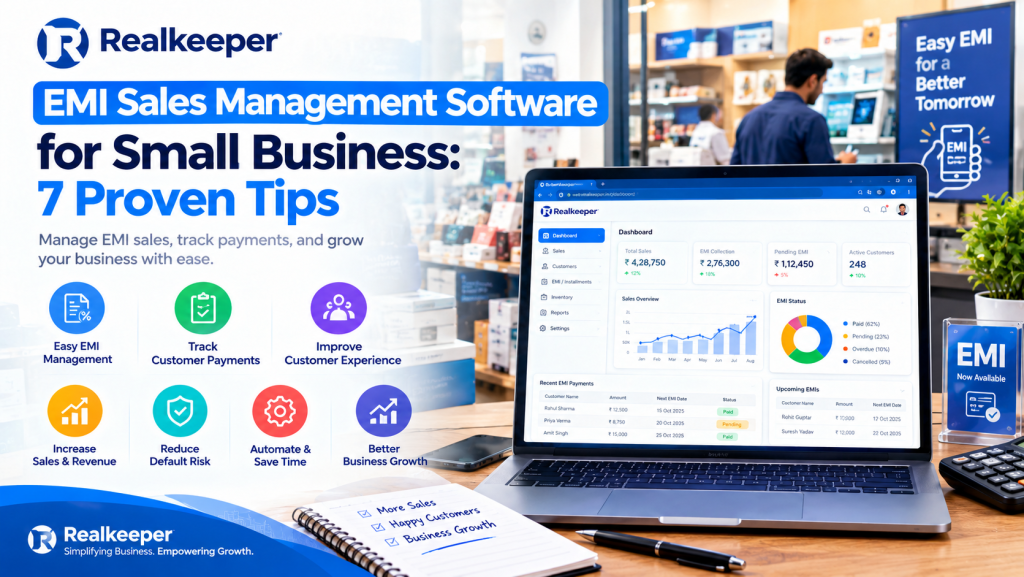
Take the sofa set from the start. A good EMI sales management software record for it would read like this:
- Day 0: invoice for ₹40,000, down payment ₹10,000 received, ₹30,000 outstanding.
- Month 1: ₹10,000 received, ₹20,000 outstanding.
- Month 2: ₹10,000 received, ₹10,000 outstanding.
- Month 3: ₹10,000 received, ₹0 outstanding, account closed.
That’s the whole idea. Every line is dated, every rupee is tied to the invoice, and anyone on your team can see where the account stands without asking the owner.
How Is EMI Sales Management Software Different From Notebooks and Excel?
Here’s the day-to-day difference, side by side:
| Area | Notebook or Excel | EMI sales management software |
| Instalment schedule | Written per customer, easy to lose | One plan per sale, stored with the invoice |
| Due dates | Remembered or highlighted by hand | Visible per customer, sorted by lateness |
| Reminders | Phone calls when someone has time | Messages sent from the system |
| Customer balance | Added up manually | Shown on the customer’s account |
| Link to the invoice | Separate files that drift apart | Payments recorded against the invoice |
| Owner’s view | Whoever holds the register | Phone or computer, anywhere |
How Do You Choose EMI Sales Management Software?
Choose the tool that handles instalment plans properly, not just one that prints invoices. Before you buy, check:
- Can it create an instalment plan for each sale, with amounts and due dates?
- Are payments recorded against the original GST invoice?
- Does it show the outstanding balance for each customer?
- Can it send reminders by WhatsApp or SMS?
- Does it handle late fees or interest, if you charge them?
- Does it include stock and GST billing, or will you need a second tool?
Then ask for a demo using one of your own EMI sales. If the vendor can’t show an instalment schedule on screen, it’s billing software with an EMI label.
Can RealKeeper Work as EMI Sales Management Software?
For small businesses that sell on instalments and manage the schedule themselves, RealKeeper covers the billing side well: GST invoices, real-time inventory, ledgers, payment collection, and WhatsApp CRM for customer messages.
What it doesn’t advertise is a dedicated EMI module, meaning automatic instalment schedules, interest, and late-fee rules. If those are the core of your business, confirm with RealKeeper’s team or use a dedicated tool before committing.
Plans run from ₹5,000 to ₹18,000 a year plus 18% GST, and you can compare the plans. The trial is the real test: run one EMI sale end to end and see whether payment tracking against the invoice covers your schedule. It’s the same logic behind its GST billing software.
Who Needs This Most?
Shops selling bigger-ticket items on credit, such as furniture, appliances, electronics, or two-wheeler accessories. The higher the price, the more likely the customer asks for instalments, and the more a missed payment hurts.
Frequently Asked Questions
What is EMI sales management software?
EMI sales management software records an instalment plan for each credit sale, tracks which instalments are paid or due, and reminds customers before the due date. Good versions link every payment back to the original invoice.
Is Excel enough for EMI sales in a small business?
Excel works while you have a handful of plans. It starts failing once you have dozens of customers, because due dates, balances, and invoices end up in separate files that nobody reconciles.
Can GST billing software track EMI payments?
It can record payments against an invoice and show each customer’s outstanding balance. Automatic instalment schedules, interest, and late-fee rules usually need a dedicated EMI module.
Does RealKeeper have an EMI module?
RealKeeper doesn’t advertise a dedicated EMI module. It covers GST billing, inventory, ledgers, payment collection, and WhatsApp CRM. Test one real EMI sale during the free trial, or ask the team, before you commit.
Can I try it first, and what does it cost?
RealKeeper offers a free 7-day trial with no credit card. Its plans run from ₹5,000 to ₹18,000 per year plus 18% GST. Dedicated EMI tools from other vendors are priced differently, so compare before choosing.
What’s the Next Step?
Pick your five biggest EMI customers and enter them into a trial, one invoice and one payment at a time. RealKeeper offers 7 days free with no credit card at realkeeper. in.


